Taxes
The Taxes configuration allows you to set up tax rates for different countries or apply a default tax rate for all countries. Taxes are automatically calculated and added to subscription prices.
List Taxes
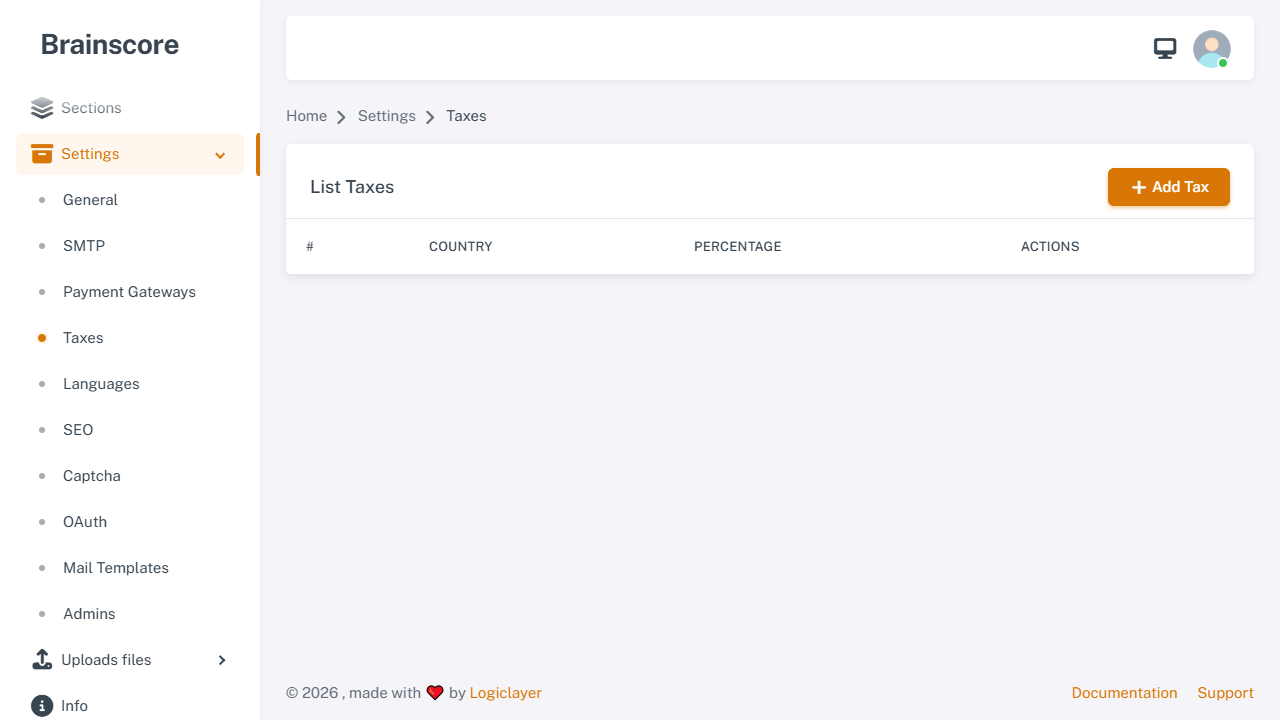
The list page displays all configured tax rates. You can edit or delete existing taxes, or create new ones.
Create Taxes
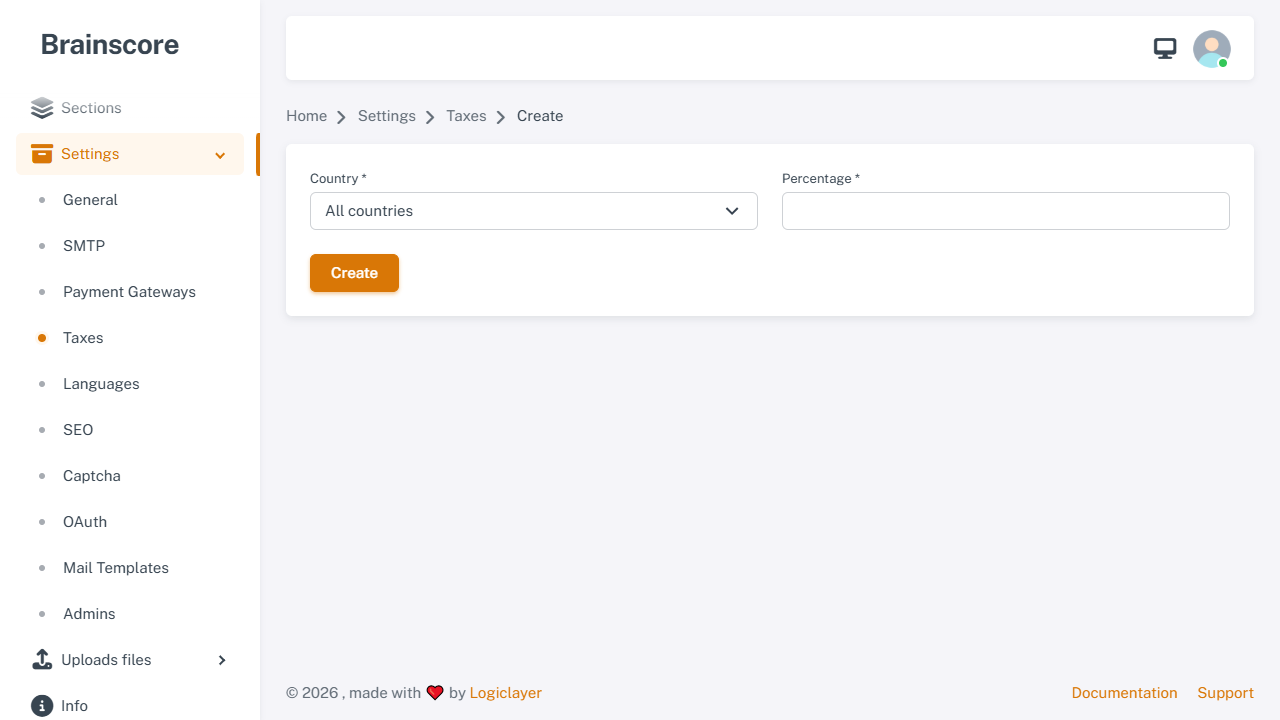
Form Fields
- Country *: Select the country for this tax rate
- All countries: Apply this tax rate to all countries (only one "All countries" tax can exist)
- Specific country: Select a country from the dropdown (each country can only have one tax rate)
- Percentage *: Tax percentage (0-100, integer only)
Usage Steps
- Click Create button on the list page
- Select a country or choose "All countries"
- Enter the tax percentage (e.g., 10 for 10%)
- Click Create to save
Important Notes
- Country Uniqueness: Each country can only have one tax rate. If you try to create a duplicate, you'll receive an error.
- All Countries Tax: Only one "All countries" tax can exist. If a specific country tax exists, it will override the "All countries" tax for that country.
- Percentage Range: Tax percentage must be between 0 and 100 (integer values only).
- Tax Calculation: Taxes are automatically calculated and added to subscription prices during checkout.
- Priority: Country-specific taxes take priority over "All countries" tax.
- Examples:
- 10% = Enter
10 - 5.5% = Enter
5(only integers allowed) - 0% = Enter
0(no tax)
- 10% = Enter